
Managed IT Support

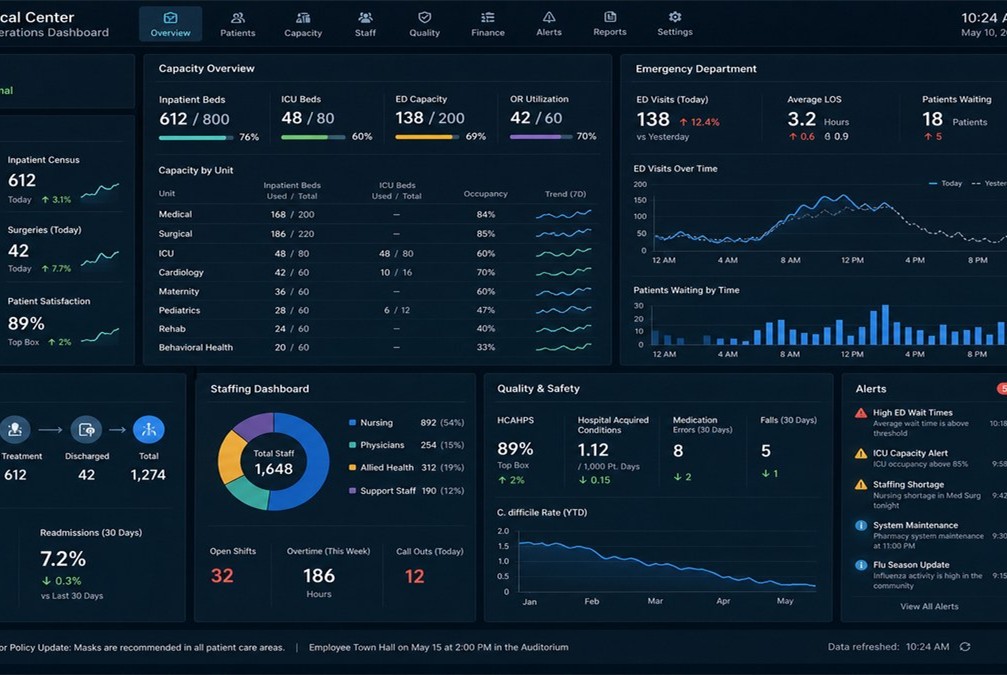
Daily IT operations

A structured help desk and proactive care so staff spend less time stuck at login screens and more time on their actual roles.

Managed IT Support
Managed IT support desk

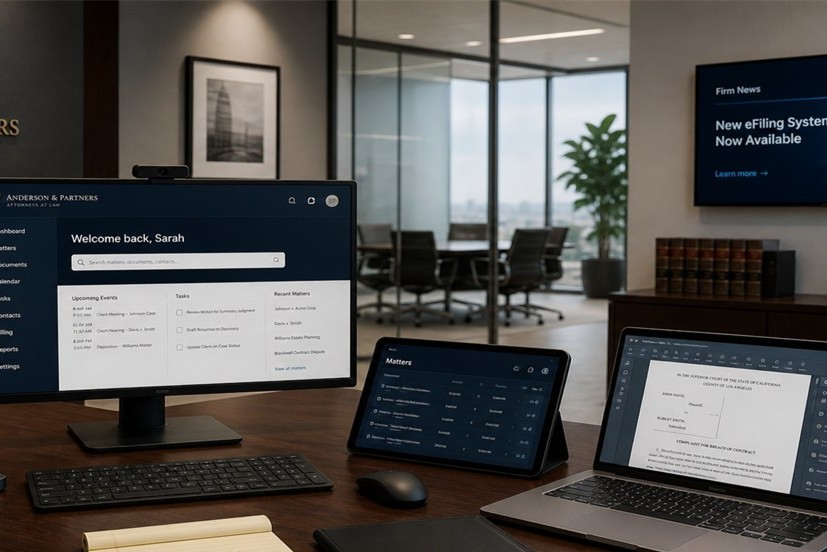
We act as your day-to-day IT operations partner: incidents, requests, monitoring, patching and Microsoft 365 administration under a written agreement.

Service desk

Logged tickets with priority, owner and status tracking.

Monitoring

Alerts on servers and critical services before users notice failure.

Device standards

Consistent builds for new starters; leaver access removed promptly.

Reporting

Monthly ticket trends and practical improvement suggestions.

Typical requests we handle

  • Password resets, MFA lockouts and shared mailbox access
  • Outlook, Teams and OneDrive sync issues
  • New laptop setup and handover checklists
  • Printer, scanner and meeting-room AV faults
  • Backup alert triage and vendor coordination

Who this suits

SMEs without a full internal IT team, businesses outgrowing ad-hoc break/fix, and organisations with one internal IT person who needs overflow during leave or projects. Works alongside security and onsite work when needed.

  1. Week 1 — Discovery

    Asset list, critical apps, contacts and escalation paths.

  2. Week 2 — Agreement

    Scope, response targets and how to log tickets.

  3. Ongoing — Operate

    Desk, patching, monitoring and monthly review.
Discuss managed support

FAQ

Frequently asked questions

Answers about Managed IT Support from our Melbourne team.

What is included in a typical managed support agreement?

Service desk access, remote troubleshooting, monitoring, patching, Microsoft 365 user administration, starter and leaver workflows, and monthly reporting. Onsite visits can be included or booked separately.

How are tickets prioritised?

Tickets are classified by impact and urgency. Critical business outages receive the fastest response within agreed targets documented in your schedule.

Do you support line-of-business applications?

We troubleshoot access, performance and integration issues and coordinate with vendors for application-level defects when needed.

Can you work alongside our internal IT person?

Yes. We provide overflow capacity, specialist project support and documentation backup during leave or peak project periods.

How do you handle new staff onboarding?

Standard device builds, account provisioning, MFA enrolment and handover checklists are applied so new starters are productive on day one.

Enquire about Managed IT Support

Submit your details and we will contact you to discuss scope, timing and next steps.

  • Number of users or sites
  • Current environment summary
  • Preferred contact method

Business hours: Monday–Friday, 8:30am–5:30pm AEST. Level 8, 99 Queen Street, Melbourne.

Thank you. We have received your enquiry and will respond during business hours.

Stabilise day-to-day IT for your team

Call 03 8375 7712 to talk through help desk scope and response times.

Get in touch